





1. Get MetaMask (MM) or Trust Wallet (TW) on PC or smart device.
2. Buy BNB directly in MM or TW, or from an exchange, and send to your wallet. For an exchange, we recommend Binance, Coinbase or CoinSpot.
3. Open the browser inside your wallet, and head to ww2coin.com. Then, click on the ‘Buy now’ button below, which takes you to PancakeSwap and loads the $WW2 contract. Make sure the URL is https://pancakeswap.finance/swap.
If $WW2 doesn’t load automatically, you can enter the contract address (0xf55B66D548985710e6dB956c47dF62e51346AdBf) in the drop down shown by WW2 in the image below. If you’re using MM inside your chrome browser, follow the steps above, and connect your wallet via the button in the top right hand corner of PancakeSwap.
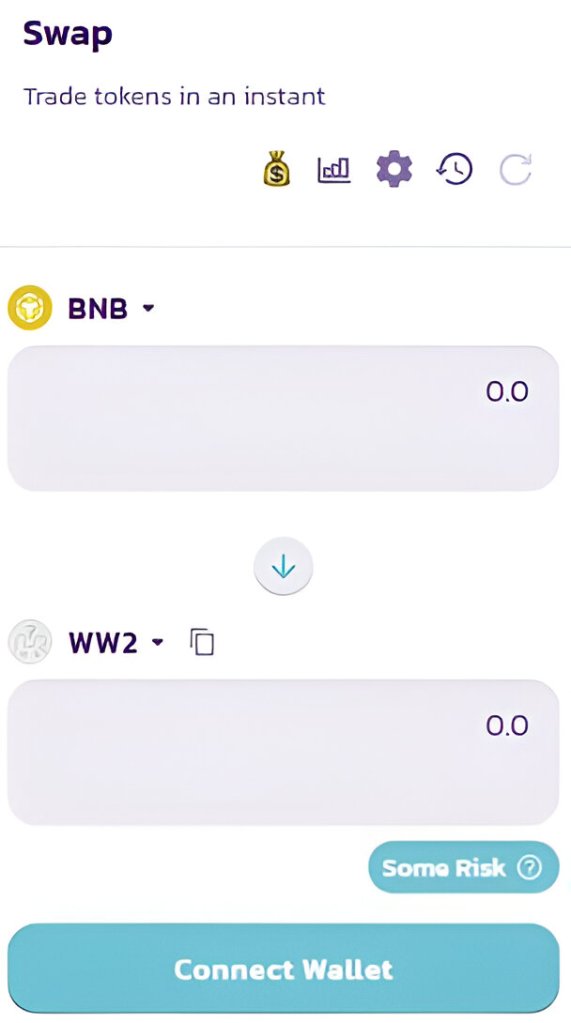
4. It is recommended slippage is set to 12% to allow the transaction to proceed. Change this setting by selecting the ‘Settings’ gear button. If 12% doesn’t work, you can gradually increase slippage and try again.
5. Swap for a maximum of 46,000,000 $WW2–that’s a max wallet of 2%! If you have any issues, ask in our Telegram and we’ll be happy to help.
6. Onwards, together, for Victory! ✌
 $WW2coin